
+44 (0)1440 564988
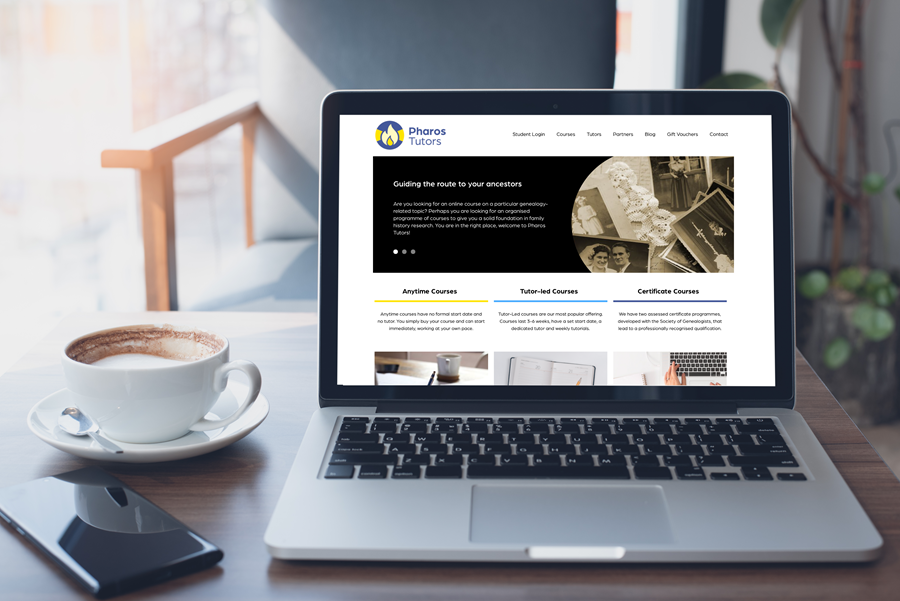
We are delighted to announce that our new website is now LIVE!
We have been working on this for you for a long time to get it right, and have now completely rebuilt all the Pharos Tutors systems to give you an updated look, a more robust experience, and many, many improvements to better serve the current size of the business.
Firstly, and perhaps most importantly, there is now only one set of log in details required for all Pharos Tutors systems.
Easier Navigation
With over 50 courses to choose from our new Course Finder will make it much easier to locate the courses you are looking for. Courses can be filtered by category, e.g. Intermediate Certificate courses or level of difficulty, e.g. beginner's courses.
Enjoyed your last course? Quickly filter the list to just show those from the same tutor. Want something soon? Use the start date options. You can also now search our course list by keyword, e.g. 'local history' or 'parish registers'.
Updated Student Experience
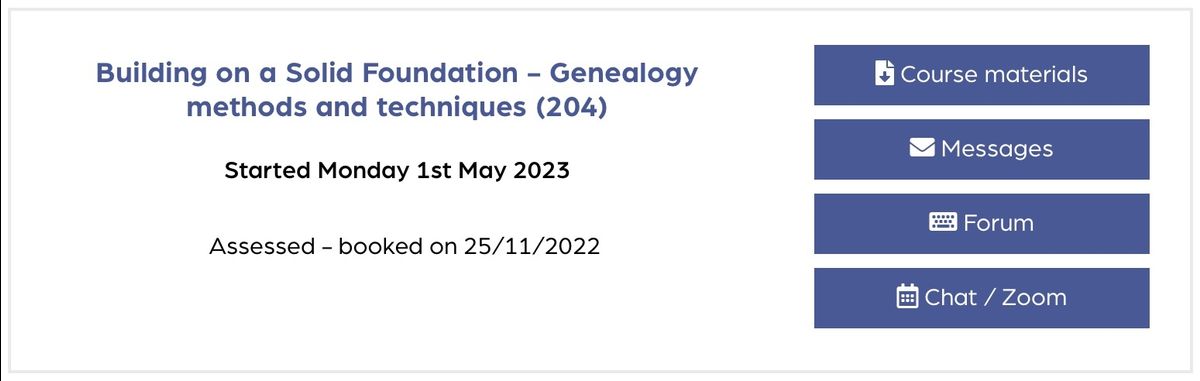
There is also a brand new Student Area experience. All your course material is now grouped by course, making it much easier to find everything and the overall feel is much more like a modern LMS (Learning Management System). We also have brand new systems for messaging, text chats and the course forum. Chat and Zoom times and links are now located under a handy Chat / Zoom button.
What Happens Next
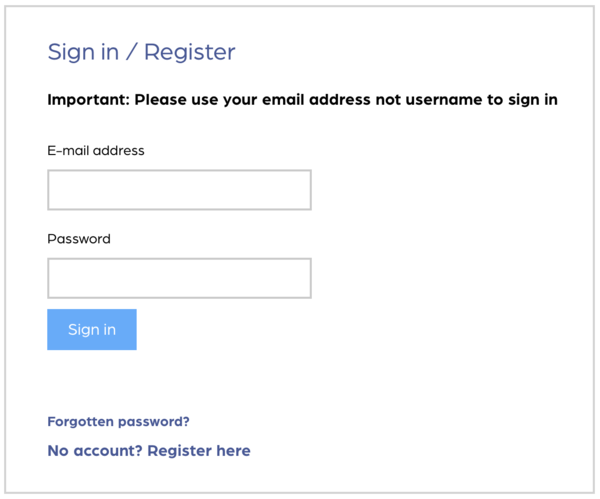 The Student Login is accessed directly from the homepage.
Use your email address to log in (not your username) and your current Student Area password. Don't worry if you can't remember your password, just use the Forgotten password? option and a new one will be emailed to you.
 The first time you login you will be asked to review your new username. Because we have simplified our systems to use only one username / login for all parts of Pharos Tutors your Student Area username will be visible in the forum and chat room. This means that, for privacy reasons, we had to reset all usernames to a less personalised format. If you are comfortable to do so, feel free to change this back to what you had before (if available) but do please include your first name - we want to know what to address you as in the tutorials!
Having trouble? See our User Guide.
The Course Menu
 You are now ready to use the new Student Area. Any courses you are currently taking (or have recently completed) will appear in your 'Current and upcoming courses' view. You can find past courses you have taken by selecting 'Past courses' from the drop down at the top of the screen.
All your lesson notes, images and any other files from your tutor can be found in the Course materials section.
Messages is where you will find your messages from your tutor for the course, and you can send your tutor a message from here too.
The course Forum is accessed directly from your course area and there is no longer any need for a second password.
Your weekly tutorials with your tutor will be in the form of text chat or Zoom (video) sessions. Go to the Chat / Zoom area, both to see the dates and times of your sessions and to join them. Links to chats and Zooms will become active around 15 minutes before a session starts.
 The side menu
Your will still find a familiar menu on the left hand side of the screen in the Student Area. Here you can update your contact Details and Password.
If you take assessed courses you will find your Assessment reports and Certificates have been copied across and will remain in the system for as long as you have a student account with us.
Do check out the Help guides & policies as there is a lot of useful information there including our Sources and Citations guide.
Need a little more help? See our handy User Guide.
We do hope you like the new website!